
In the world of professional linear lighting, SPI addressable LED strips (such as WS2811, SK6812, and UCS1903) have become the go-to choice for creating dynamic, programmable effects. However, even for experienced lighting engineers, digital lighting systems can present complex challenges—from erratic flickering to signal degradation.
As a specialist in high-end LED controllers, KooSion has analyzed thousands of project installations. In this guide, we provide expert solutions to the three most common SPI lighting issues, ensuring your next project runs flawlessly.
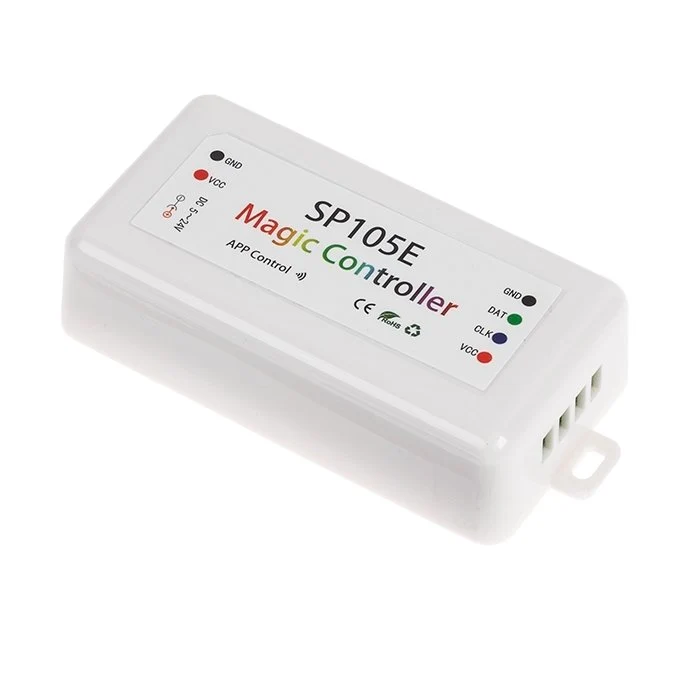
One of the most frequent complaints in LED projects is "flickering" or random pixels flashing incorrect colors.
Establish a Common Ground: Always ensure the GND (negative) of the LED controller is physically connected to the GND of the LED power supply. Without this "Common Ground," the signal has no stable reference.
Use Shielded Cables: For signal runs exceeding 3 meters, use shielded twisted pair (STP) cables to protect the data line from electromagnetic interference (EMI).
Signal Amplification: If your controller is more than 5 meters away from the first pixel, install a KooSion Signal Amplifier to boost the data integrity.
Does your LED strip work perfectly for a week, only for the first one or two pixels to suddenly die?
The Resistor Trick: Solder a 330Ω to 500Ω resistor on the data line between the controller and the first pixel. This acts as a buffer against signal spikes.
Reliable Hardware: KooSion LED Controllers are engineered with built-in protection circuits to manage power sequencing, significantly extending the lifespan of your addressable LED strips.
If your 10-meter LED run starts brilliant white but ends with a dim, yellowish tint, you are experiencing Voltage Drop.
Strategic Power Injection: For 5V strips, inject power every 2.5 meters. For 12V/24V strips, inject power every 5 to 10 meters.
Choose High-Quality PCB: Always pair your controllers with LED strips that feature at least 3oz copper weight to minimize resistance.
KooSion High-Current Controllers: Our controllers are designed to handle higher current loads, reducing the complexity of your power injection wiring.
Success in digital lighting depends on the synergy between quality LED strips and robust control systems. At KooSion, we don't just provide hardware; we provide the technical expertise to bring your vision to life.
Whether you are working with DMX512 to SPI decoders or standalone WiFi/RF pixel controllers, KooSion ensures your signal stays clean and your colors stay true.
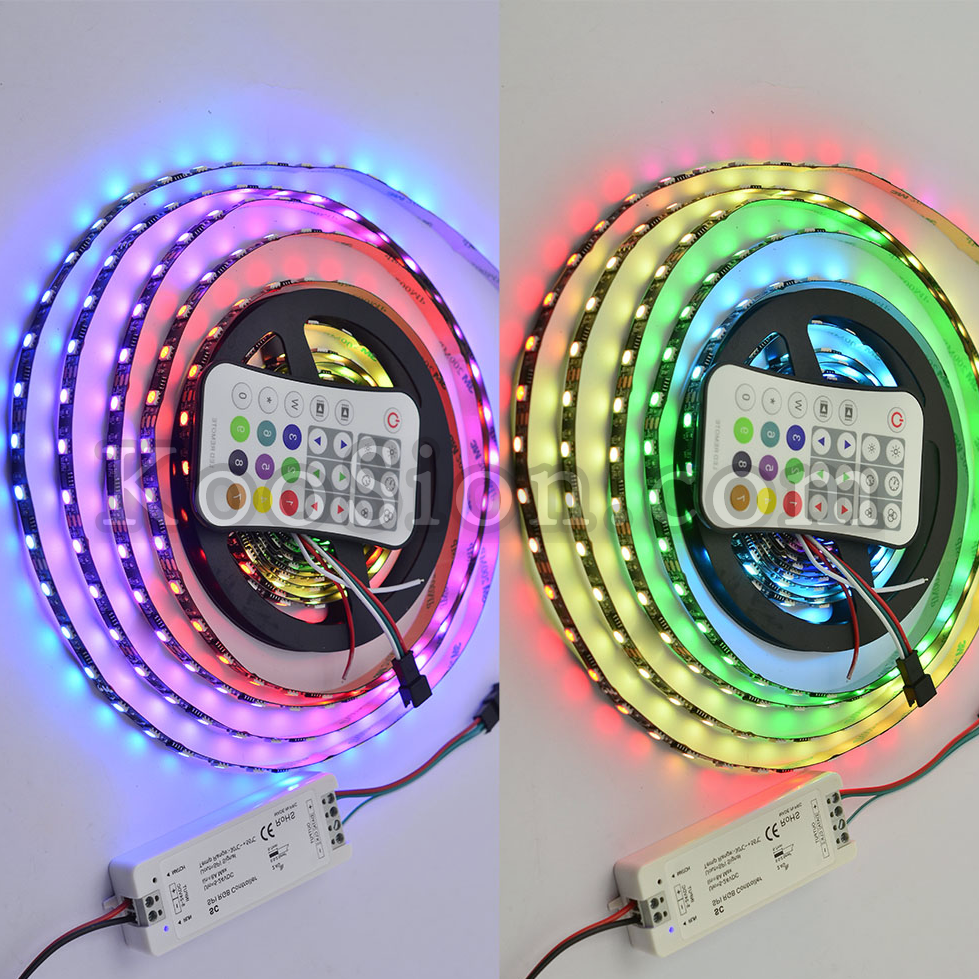
Contact the KooSion technical team today for expert advice on your next commercial or landscape lighting project.
Contact: Starry
Phone: +86-1-392-655-9500
E-mail: info@koosion.com
Add: 1807# Baoan Ave, Baoan District, Shenzhen City, China
 Customer Service